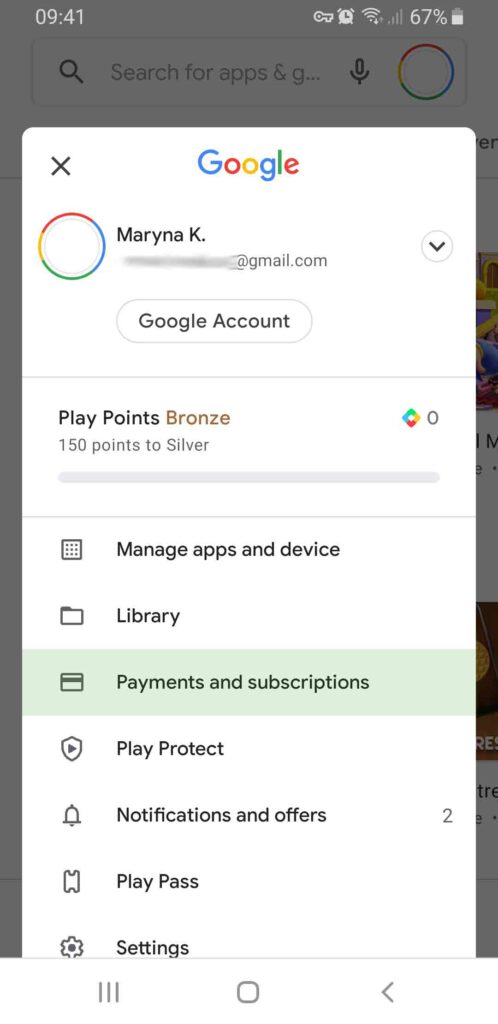
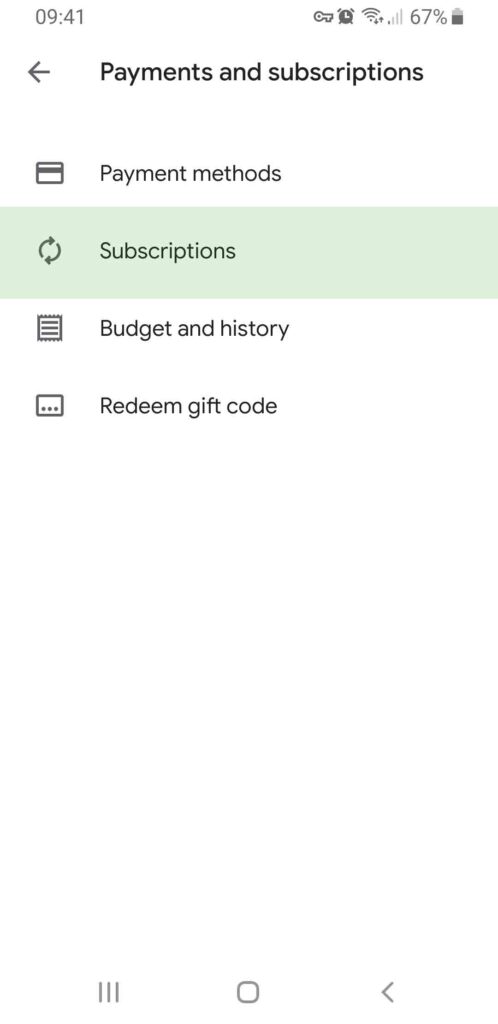
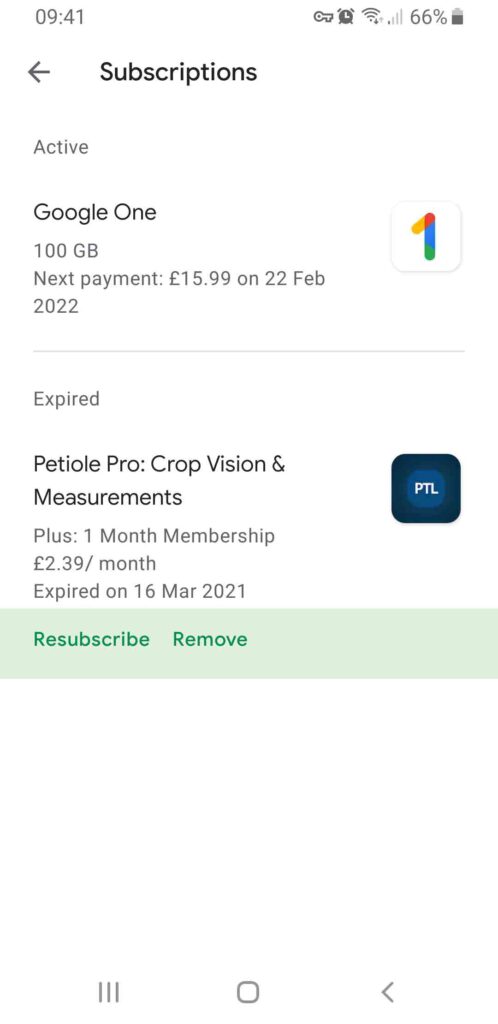
Cancel subscription Open the Google Play app . At the top right, tap the profile icon. Tap Payments & subscriptions. Subscriptions. Select the subscription you want to cancel. Tap Cancel subscription. Follow the instructions. Tap on your profile icon and choose “Payments and subscriptions” Choose “Subscriptions” in existing menu Select the subscription you want to edit