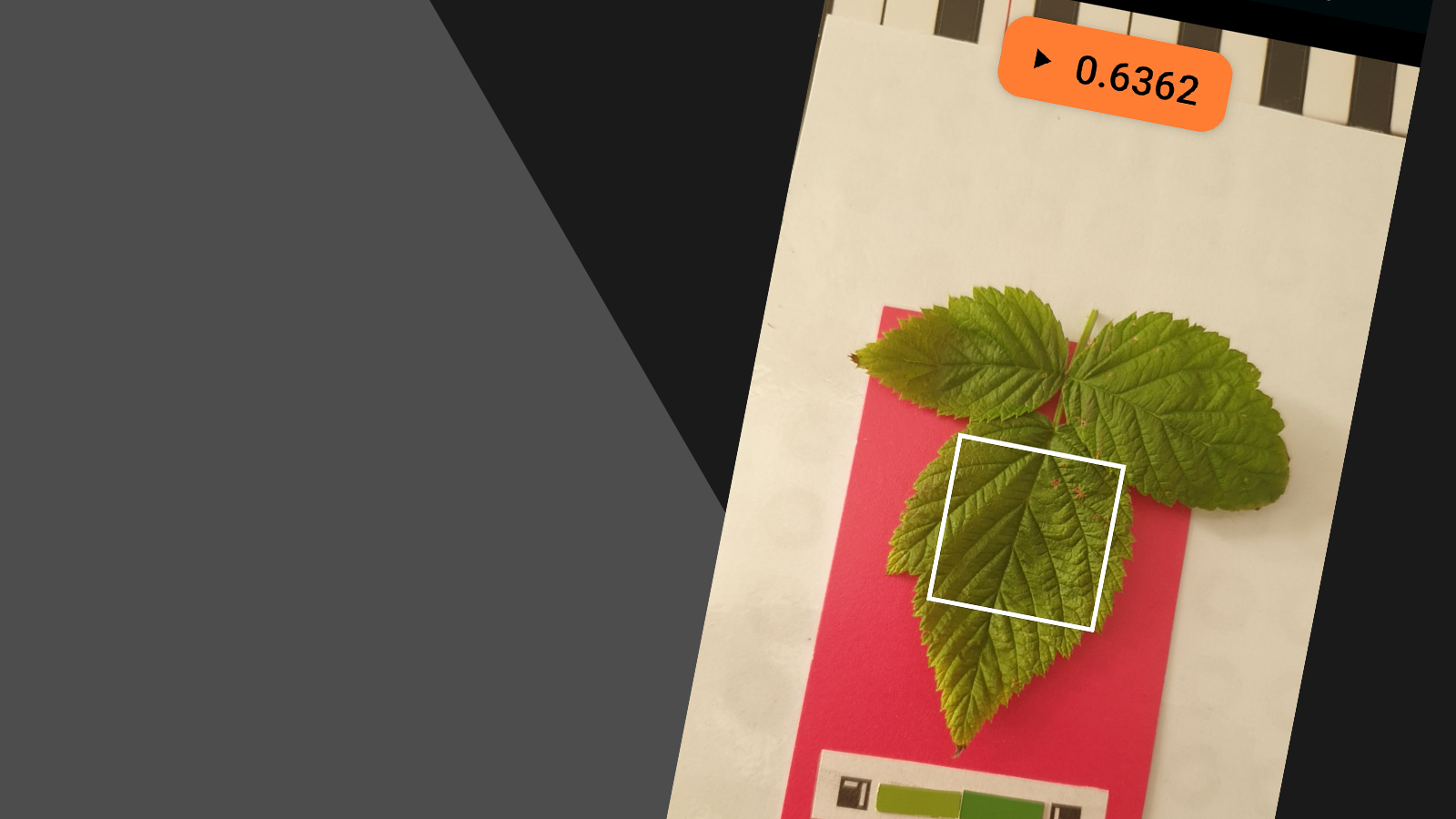
How to Fix Camera Calibration in Petiole App? (FIXED)
Calibrate camera in Petiole seems to be difficult tasks for plant scientists. However, it's not and we have one more proof for this!
By Maryna Kuzmenko
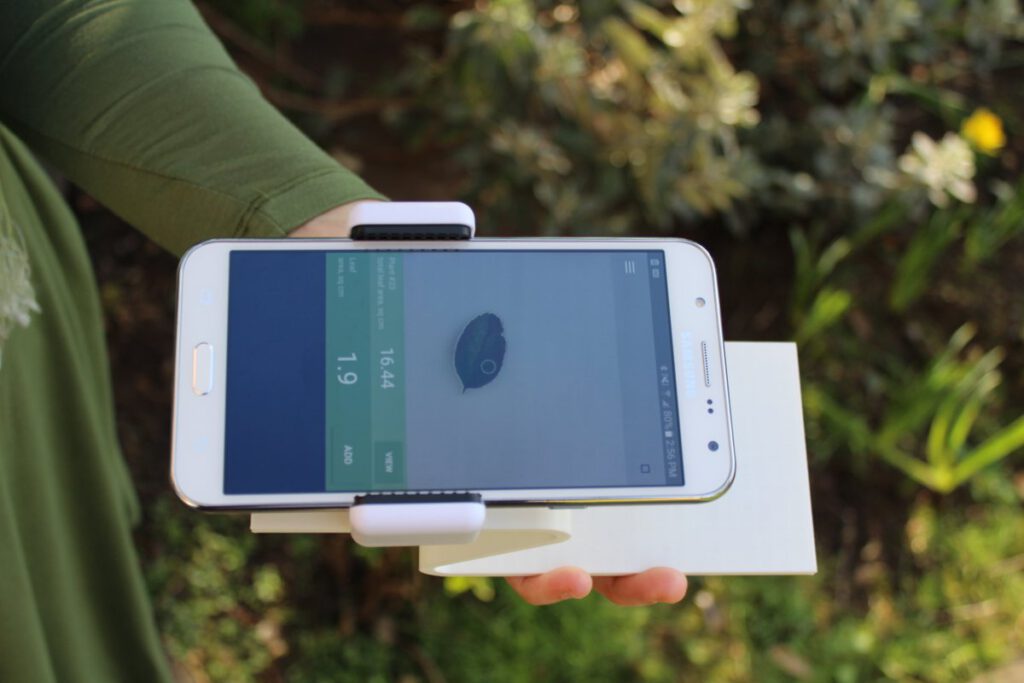
In general, we get many questions about fixing a problem to calibrate camera in Petiole, a mobile application for specific leaf area measurement. That is why we decided to suggest two general solutions for this issue.
Why I can’t calibrate camera in Petiole mobile application?
Camera calibration is one of the essential steps to measure leaf area with smartphone. In brief, there are many reasons for the question of why you can’t calibrate camera in Petiole. After some research, we have clarified three of them. As a result, these aspects tell us why people cannot use the Petiole mobile application properly.
Our plant scientists face the problem with camera calibration in Petiole. In particular, this may be a result of:
- An old version of Petiole mobile application or
- A specific operating system of the smartphone or
- Problem with the same height and fixed position for measurement.
Software Updates to Calibrate Camera in Petiole
Indeed, this is one of the most popular solutions to the problem of how to calibrate camera in Petiole. You must go to the Petiole mobile application page at Google Play Market and check for any updates.
Honestly, we do our best to fix different problems.
So far, they appear in the mobile application after every new release of OS Android or any its library. In that case, try to update your mobile application manually if it is not automatic.
Follow our step-by-step video instruction
Also, we have produced a range of videos about calibration and the next steps of measurements. Hopefully, these materials will be helpful for you:
Step #1. Setup Calibration pad to start calibrate camera in Petiole
Step #2. Then, setup Camera with Calibration pad
Step #3. Afterwards, place a leaf on the measuring stand
Step #4. Finally, measure leaf area in square centimetres. Just in one tap!
We hope these solutions will help you. If not – let us know, we will do our best to help you.
We know that there is a range of mobile phones with average productivity. As a result, this creates extra problems. It seems that Petiole does not work properly. We try to fix these problems too.
Please, stay calm. Hopefully, in the next release, we will solve the unique problem that you have.
Anyway, you can always ask an Android phone of your friend. Just to install this app.
Probability is higher that it will work on your friend’s phone.
Good luck with your work and research!

Maryna Kuzmenko
Building Petiole Pro to help agronomists, farmers, crop producers solve vision – one tool to save time & money.